Understand Predefined Variables
Predefined variables provide platform-generated values you can use when configuring infrastructure in GlobalAI. They help you avoid hardcoding values and support reusable, dynamic configurations.
The platform resolves predefined variables at runtime; you can select them wherever the platform allows dynamic values.
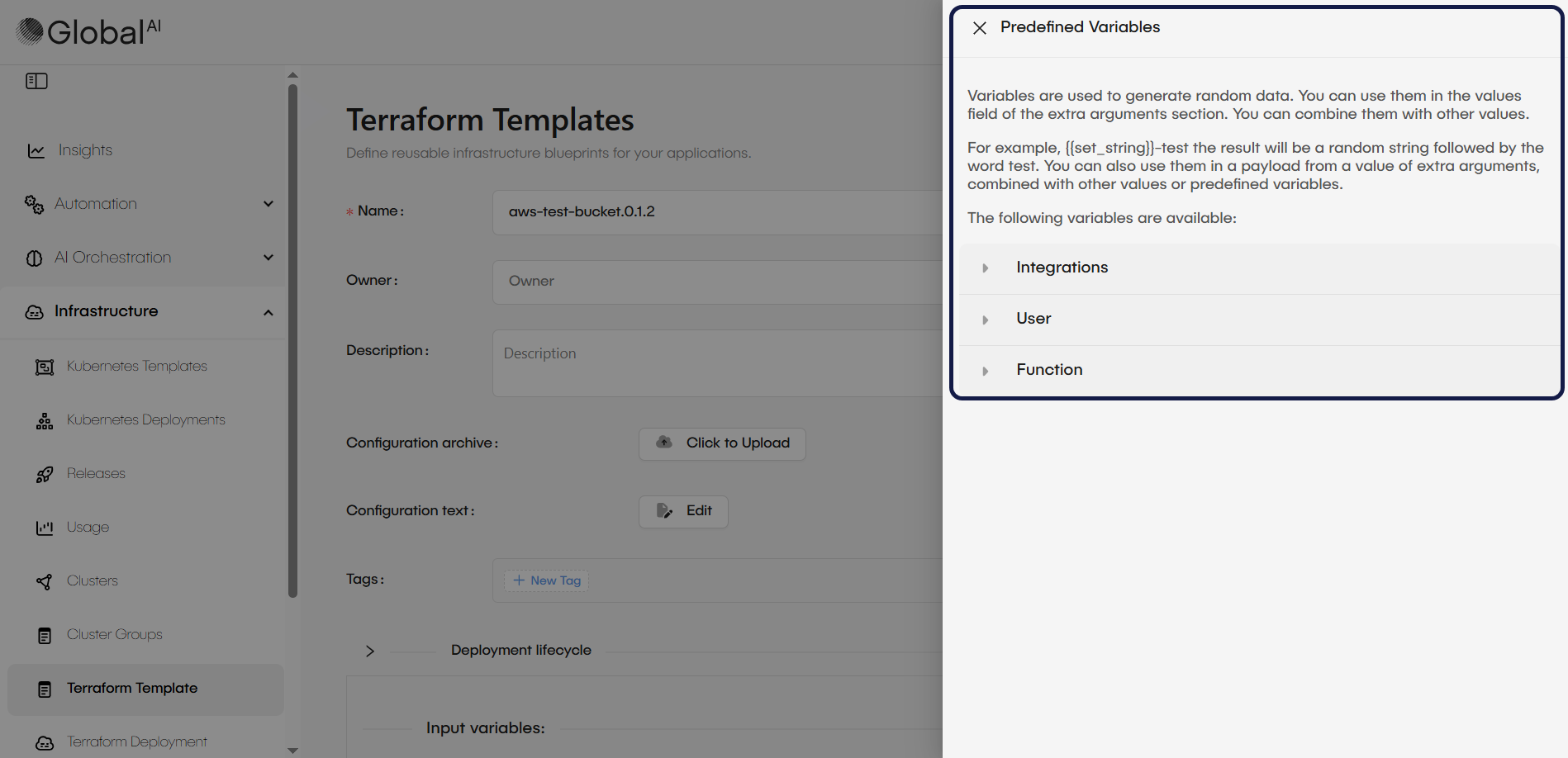
How predefined variables work
Reference predefined variables using a placeholder syntax; the platform resolves them automatically when an action or deployment executes.
You can use predefined variables:
- As standalone values
- Combined with static text
- Combined with other predefined variables
For example, use a predefined variable to generate a unique resource name by appending a random string:
{{set_string}}-test
This produces a random string followed by -test.
GlobalAI groups predefined variables into categories based on the type of data they provide.
Types of predefined variables
Find below the main categories of predefined variables available in GlobalAI.
- Integrations
- User
- Function
Integration variables expose values from connected integrations. Use them to reference integration identifiers or metadata without hardcoding them into your configuration.
Common use cases
- Passing integration identifiers into Terraform input values
- Referencing integration-specific metadata dynamically
- Reducing manual updates when integration values change
User variables provide information about the user who initiated an action, deployment, or configuration.
Common use cases
- Associating infrastructure resources with a specific user
- Supporting auditing and traceability
- Injecting user-related context into configuration values
Function variables generate dynamic values at runtime. Use them to ensure uniqueness or to generate values automatically during execution.
Common use cases
- Generating unique identifiers
- Creating non-conflicting resource names
- Producing dynamic values during deployment
Usage notes
- The platform resolves predefined variables at runtime
- Combine them with static values where supported
- Available variables and categories may vary by feature or context
Related articles
Now that you know how predefined variables work, you may want to explore these related guides.
Provision Infrastructure & Handle Drift
Learn the deployment workflow, including planning changes, applying updates, and detecting configuration drift.
Add a Cluster on GlobalAI
Connect and configure the Kubernetes clusters where your infrastructure runs.
View Usage Metrics
Track cost and resource consumption for Terraform deployments.